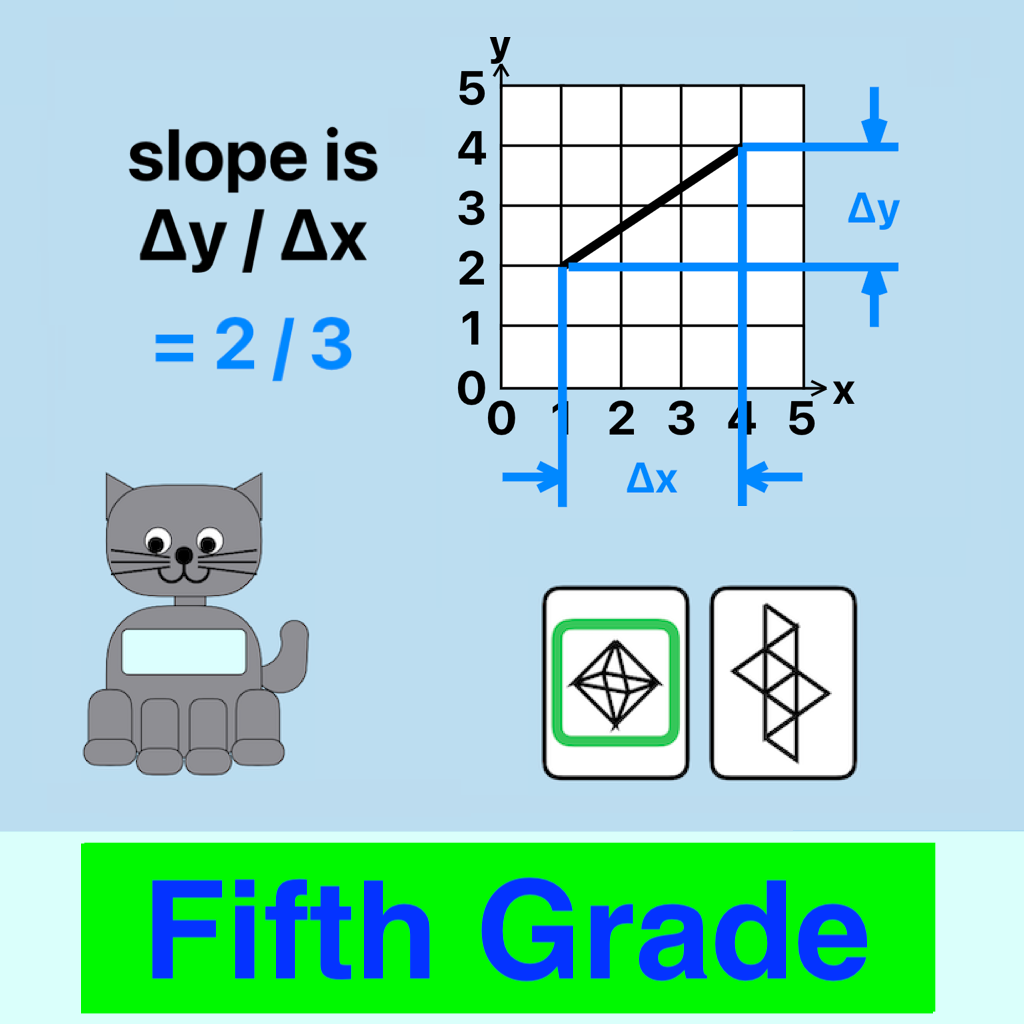
 Fifth Grade Math Drill
Privacy Policy
The developer does not collect any data from this app.
Description
This is a simple math drill but with multiple reward animations. There is no sound. The app is free,
and there are no ads. No Wi-Fi or cell signal is required
The problem types are multiplication, division, decimal add and subtract, fraction add, divisibility,
exponents, square roots, shape nets, coordinate grids, order of operations, mean, Pythagorean Theorem,
calculation of π, simple algebra, and slope of a line.
A worksheet page can be accessed when the problems are too difficult to solve in the child's head.
The child can view the number of correct answers, shown with an emoji for each one.
There is a math game that can be played after 10 correct answers.
If the child taps on a "show hint" button, a hint image appears often with a "show another hint" button.
After all hints have been displayed, a new problem can be chosen.
On a settings page (for adults but with no restrictions) children may be added by name and assigned
a level 1 - 3. The name, level and the number of correct answers are stored on your device for future sessions.
Instructions for the Adult
On first running the app, there is the option of adding a child's name. Later the wheel at the bottom of the
home page opens a settings page. Here children can be added or deleted. There are 3 levels of increasing difficulty,
and a level can be chosen for the current child. The clear-settings button sets the number of correct answers
to zero and the level to 1 for the current child.
There is no penalty for incorrect answers.
A picker on the home page allows selection of a child's name. It defaults to the last child playing.
There is no automatic progression between levels -- the settings page must be used.
Instructions for the Child
On the home page, choose your name if it's not already selected, or have an adult add your name.
Click the green "Go" button, and look at the question. Follow the instructions to answer (usually
by clicking one of the green buttons with the answer).
If the answer is correct you can click the green arrow at the bottom to see the next problem.
If the answer is incorrect, help can be provided by clicking show-hint buttons. You can click the gold button
at the bottom to see an emoji for each correct answer. The emoji contents will be scrolled if you have many of them.
The "back" button at the top returns you to the problems.
The green next button can be clicked immediately after a correct answer. You don't have to wait for the animations.
If the next button becomes enabled, you can skip to the next problem.
After 10 correct answers, the game button becomes enabled, and you can play a math game.
After playing the game you will have to answer 10 more questions before you can play again.
If the problem is too difficult to solve in your head, you can switch to a worksheet page, layout the problem,
and save your work. When you return to the problem page, your work is shown.
This page was last updated March 29, 2026. The developer may be contacted at pdyerr icloud com.